
You don't need everyone in the same room for poker night. With a browser and a group chat you can have a table running in a couple of minutes, and nobody has to download an app or make an account. Here's how to set one up, how to make it feel like a real game night, and which games work best online.
This guide uses Bink, which is free and plays for play money only. Chips have no cash value, and nothing is bought, sold or cashed out.
What you need
- A phone, tablet or computer with a web browser, for each player.
- A link to send. One person, the host, opens the table.
- A call, if you want to talk. Use whatever your group already uses for video or voice chat, running alongside the game.
Setting up a table
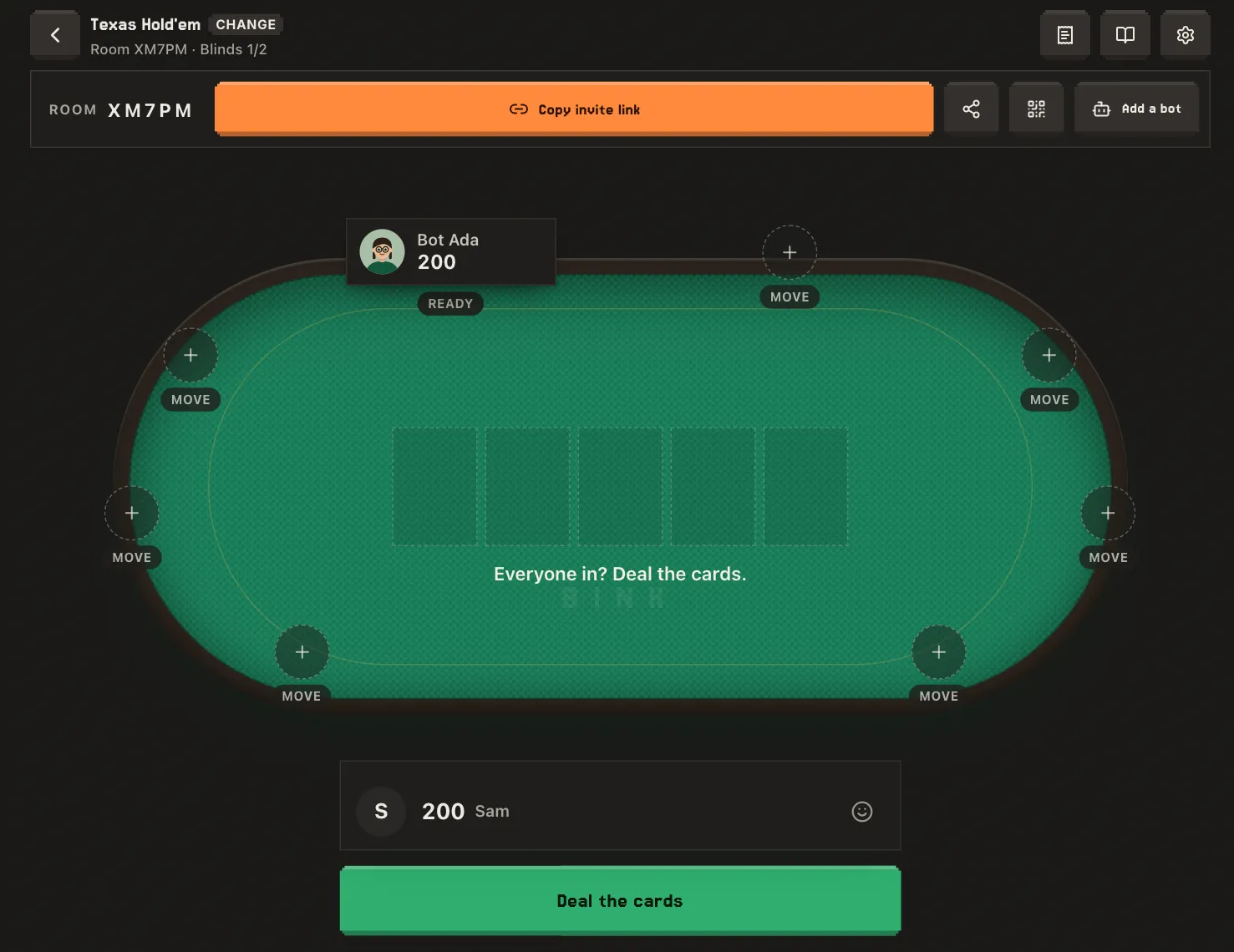
- Pick a game. Go to Bink and choose a game. Texas Hold'em is the safe choice for a mixed group.
- Open a table. Set the blinds and the starting chips. Everyone plays with the same play chips, so the numbers are just for keeping score.
- Send the link. Copy the invite link into your group chat, or show the QR code to anyone in the room with you. Friends can also join with the five-character room code.
- Everyone picks a seat. Friends tap a seat, type a name and sit down. No account needed.
- Fill empty seats with bots if you're short, then start the game.
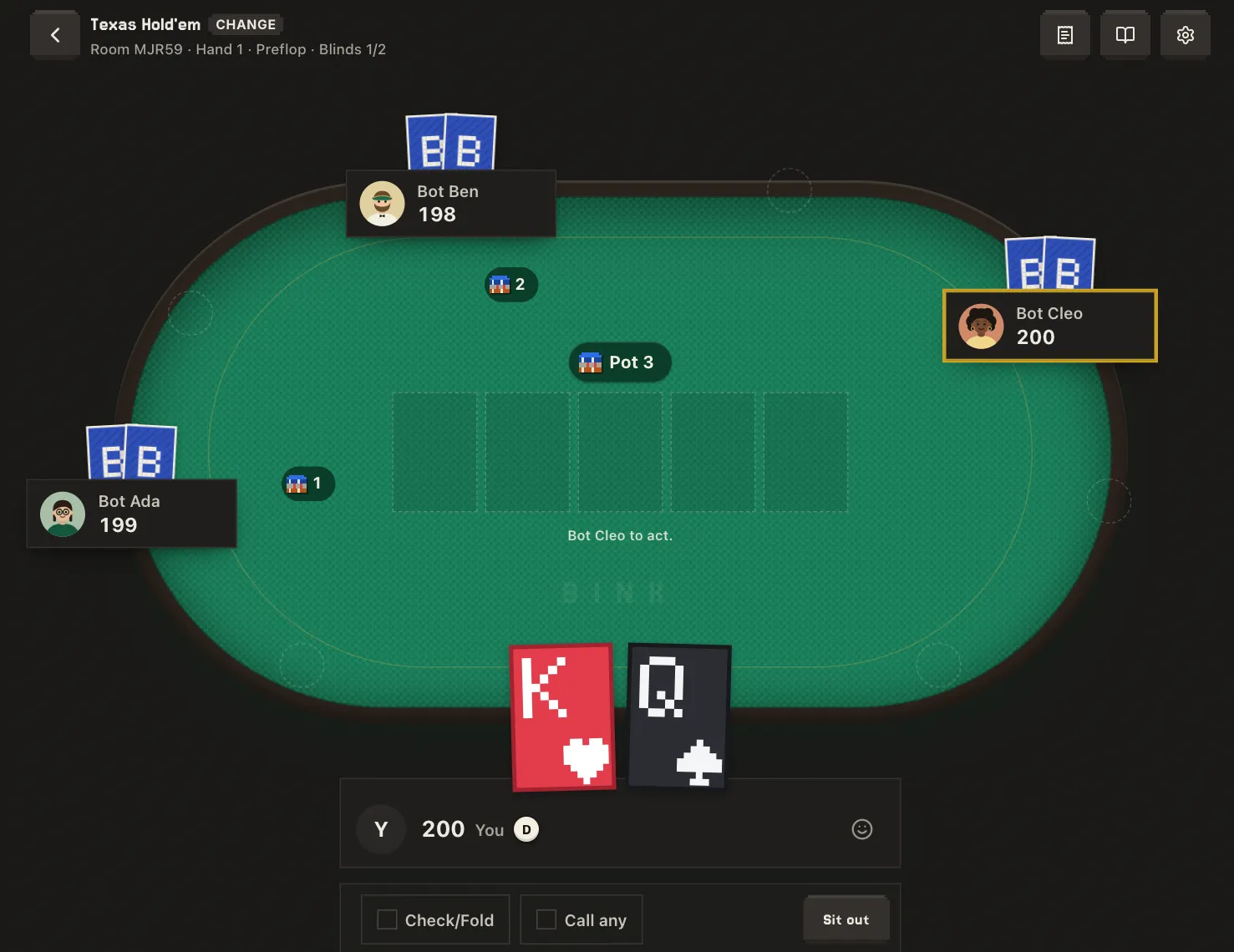
Making it feel like game night
- Get on a call. Banter is half of poker. A video call next to the game gets you most of the way to a real table.
- Use the table chat and reactions for the moments when someone isn't on the call.
- Set a turn timer. Online, a 30 second timer keeps things moving without rushing anyone.
- Agree on house rules before the first hand. A straddle, run it twice and the 7-2 game are all one switch away.
- Plan breaks. The host can pause the game between hands while everyone grabs a drink.
Games that work best online
Online, the computer deals, counts the pot and names every hand, so you can play games that are a pain to run at a kitchen table:
- Double Board PLO: two boards and a split pot, worked out for you.
- Fruits: six cards split into three hands. Hard to deal by hand, easy online.
- Red River and Dice Hold'em: quick to learn, and every hand has a twist.
If the group can't decide, see 61 poker variants to play with friends, or play dealer's choice and let whoever has the button pick.
Common questions
Is it free? Yes. Playing on Bink is free for everyone. Bink Pro is an optional subscription for hosts who want extras like making their own games and rotating games.
Does everyone need an account? No. Friends join from the link and type a name. Signing in only matters if you want your tables saved to your account.
Does it work on phones? Yes. The table is built for phones as well as computers.
How many people can play? Up to 9 at most tables. Some games, like Badugi, seat 6.
Is it real money? No. Bink is play money only. Chips can't be bought, sold or cashed out, and Bink doesn't offer real-money gambling.
Start a table
Open a table on Bink, send the link to your group, and you're playing. It takes about as long as shuffling a deck.